Remember the deck in the dash?
Midnight. A long road. Somewhere in the dashboard, a faceplate that glowed — knobs with a satisfying heft, a row of backlit keys, and a wall of little windows all dancing to the bass.
Then everything went flat and silver and silent. Music turned into a thumbnail and a progress bar. We missed the lights.
So Sugar brings them back. Press ⤢ and your screen becomes the unit: brushed chassis, machined knobs, black-chrome display wells, and instruments that move because your music moves. No fake animation, no loops. When the kick hits, the needle swings.
Go on, touch everything.
This is the actual visualizer code from the app, wired to a demo tune. Repaint it, flip the EQ, stretch the window, pull the plug. Watch the whole page change colour with it.
Loading the unit…
Drag the glowing corner to stretch it by hand. It re-flows as you go, gliding from layout to layout, and drops or adds instruments as room allows. Click inside it, too: the spectrum, history and nameplate are buttons, and the knobs work.
Fifteen windows into the music.
Every well on the unit is a different way of seeing the same sound. Tap any card and it lights up in the live unit above. If it's missing, the window's too small to fit it legibly, so Sugar stretches the unit until it shows up.
Tap a card to find that instrument in the live unit.
One unit. Every shape of screen.
Most dashboards have a few canned layouts. Sugar doesn't. Each instrument declares the shape it likes, the smallest it can be and how much it matters. Then a little solver searches for the best arrangement for your exact window, and drops the least important instruments when there isn't room for them to read.
Drag a window from wide to tall and it passes through arrangements instead of snapping between three. These are real captures of the real thing.
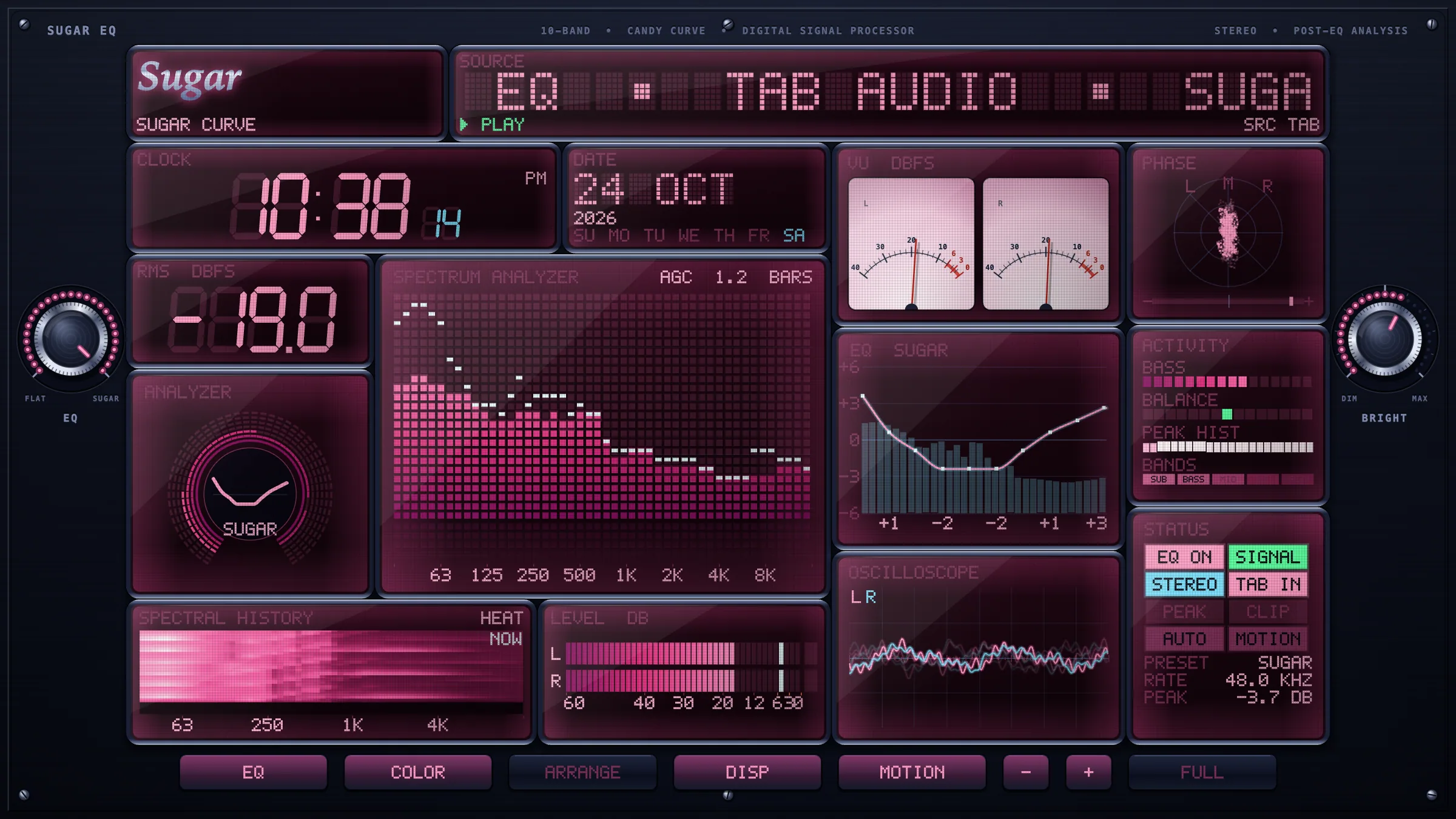
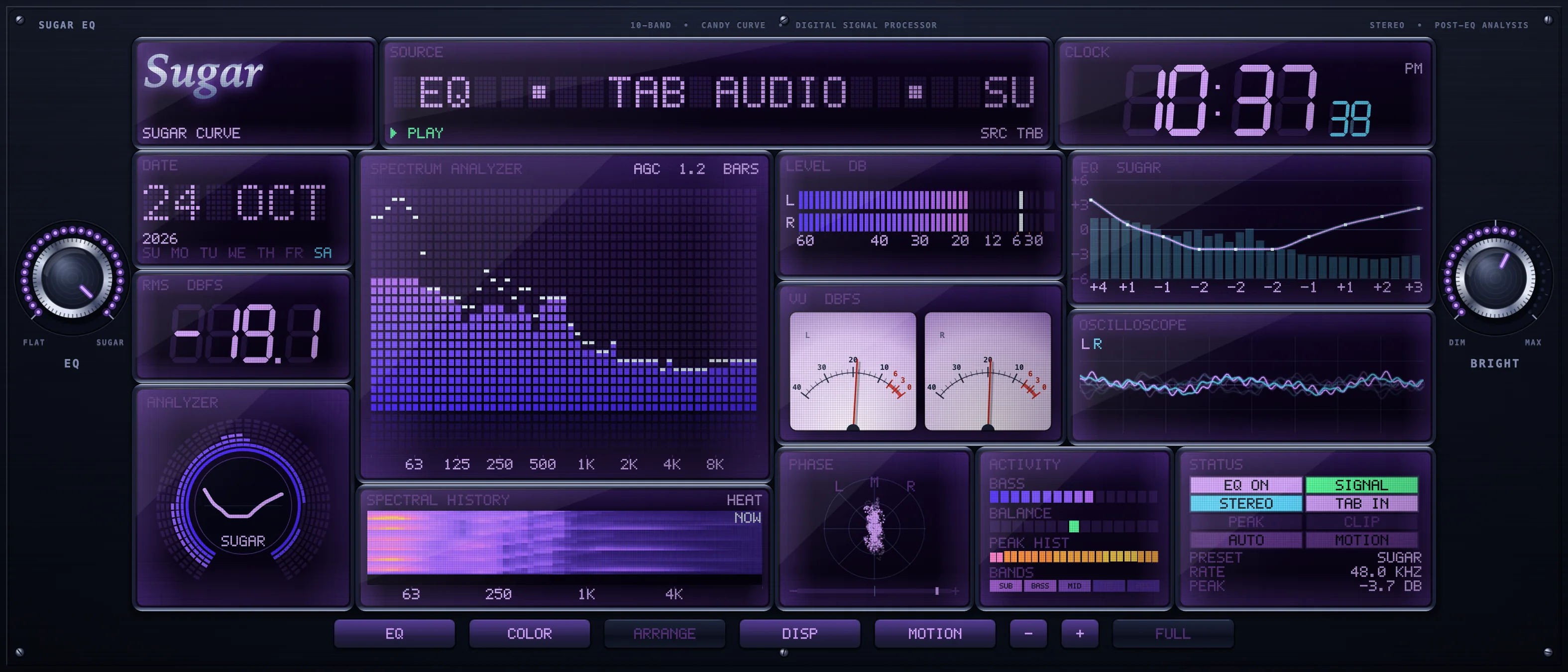
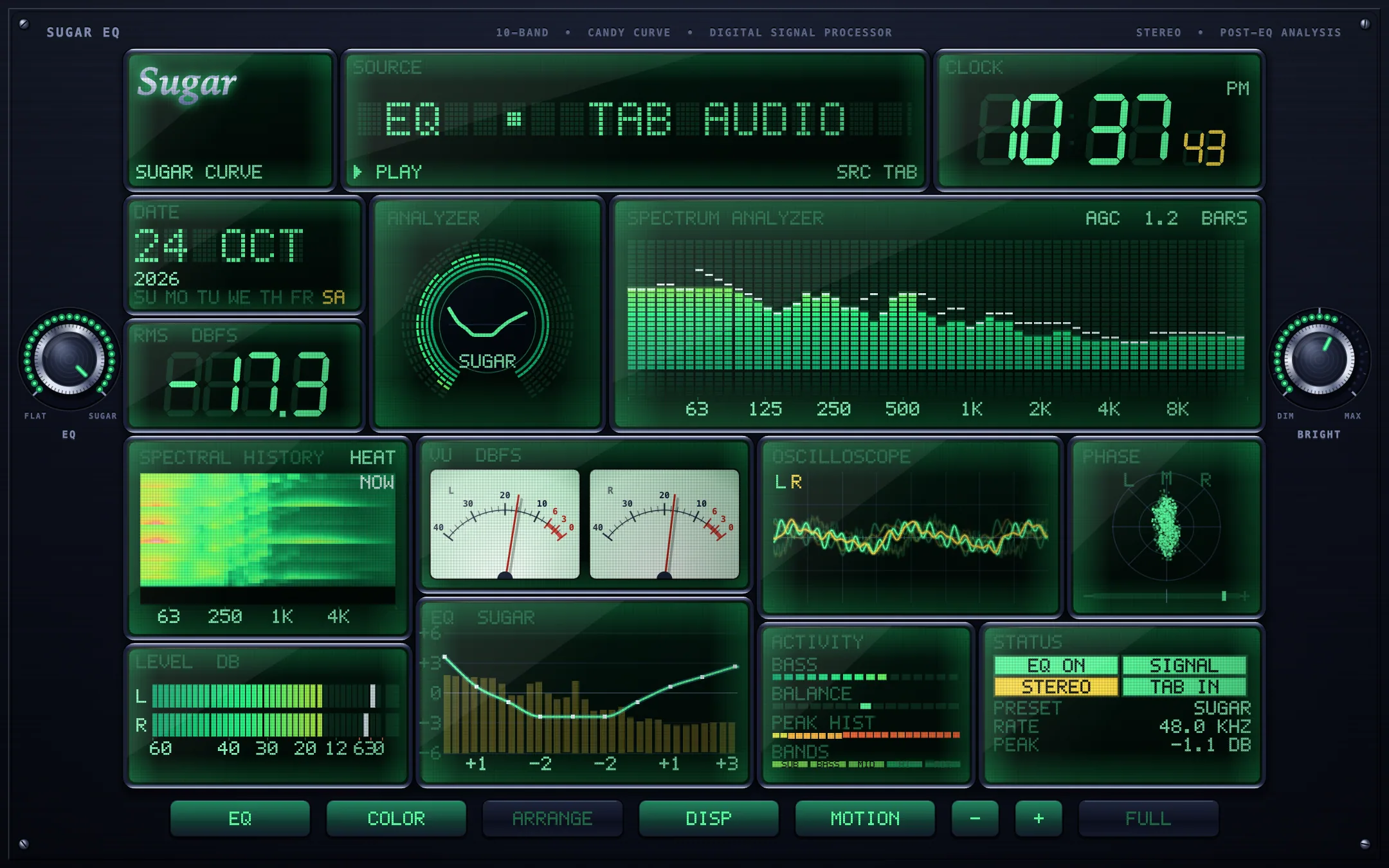
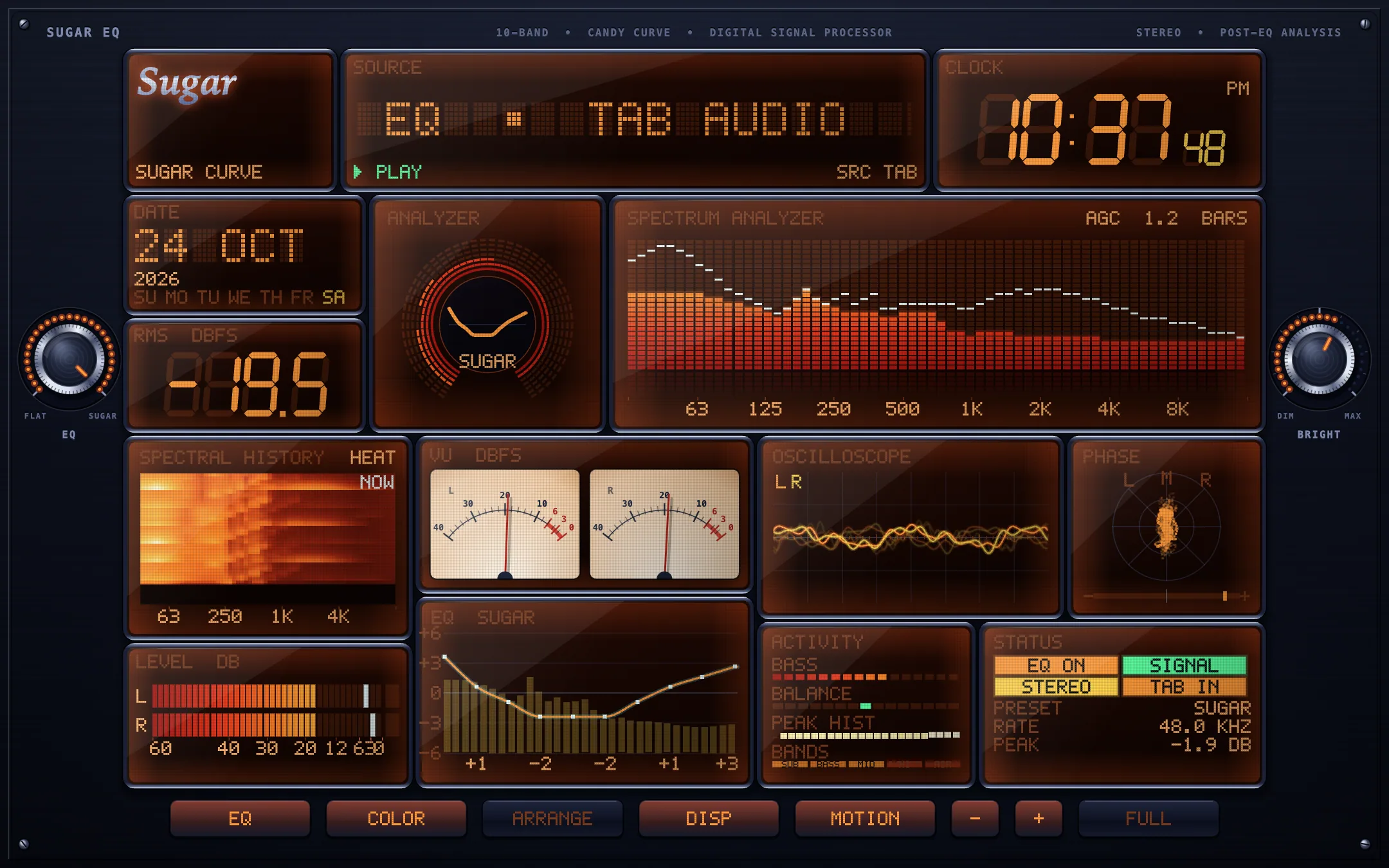
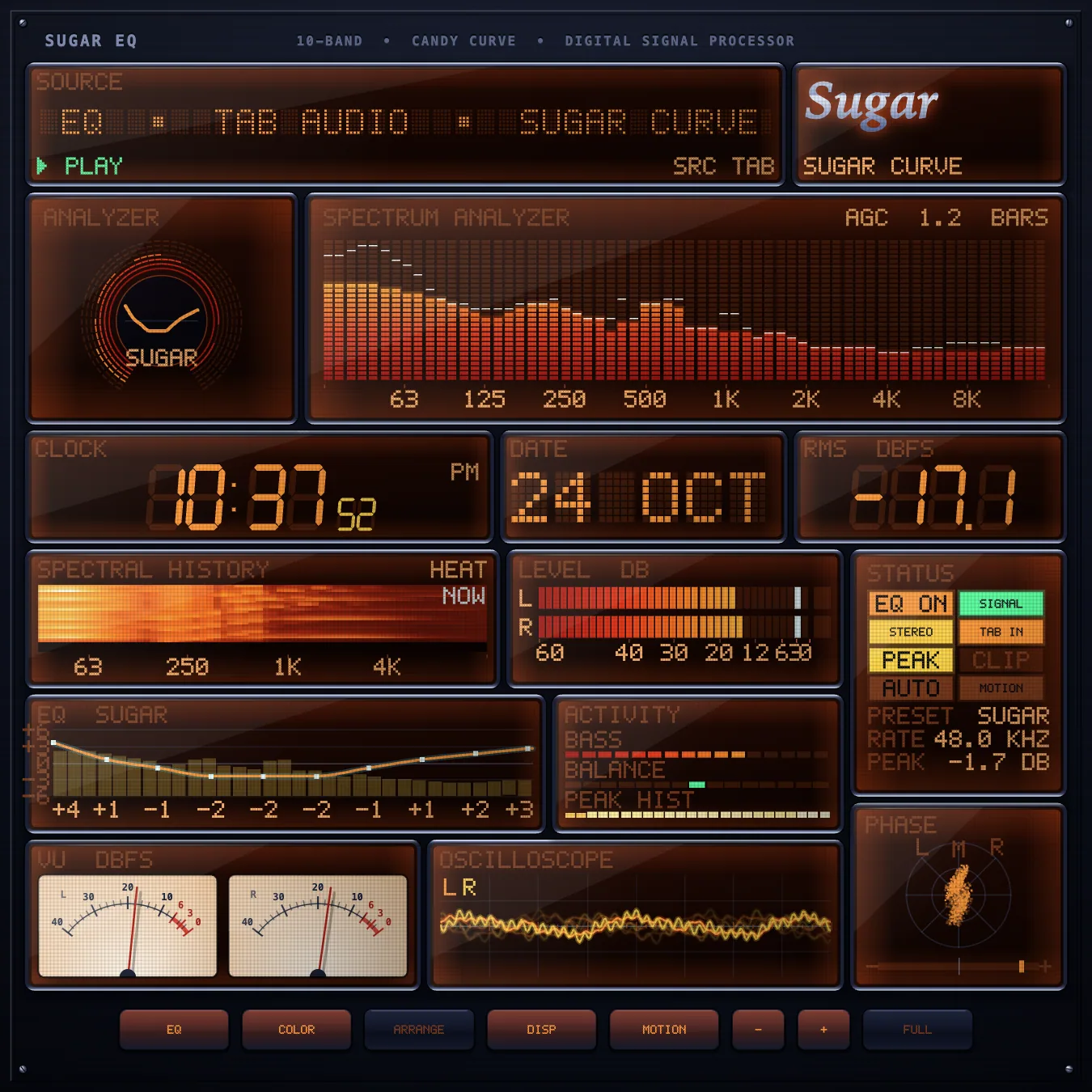
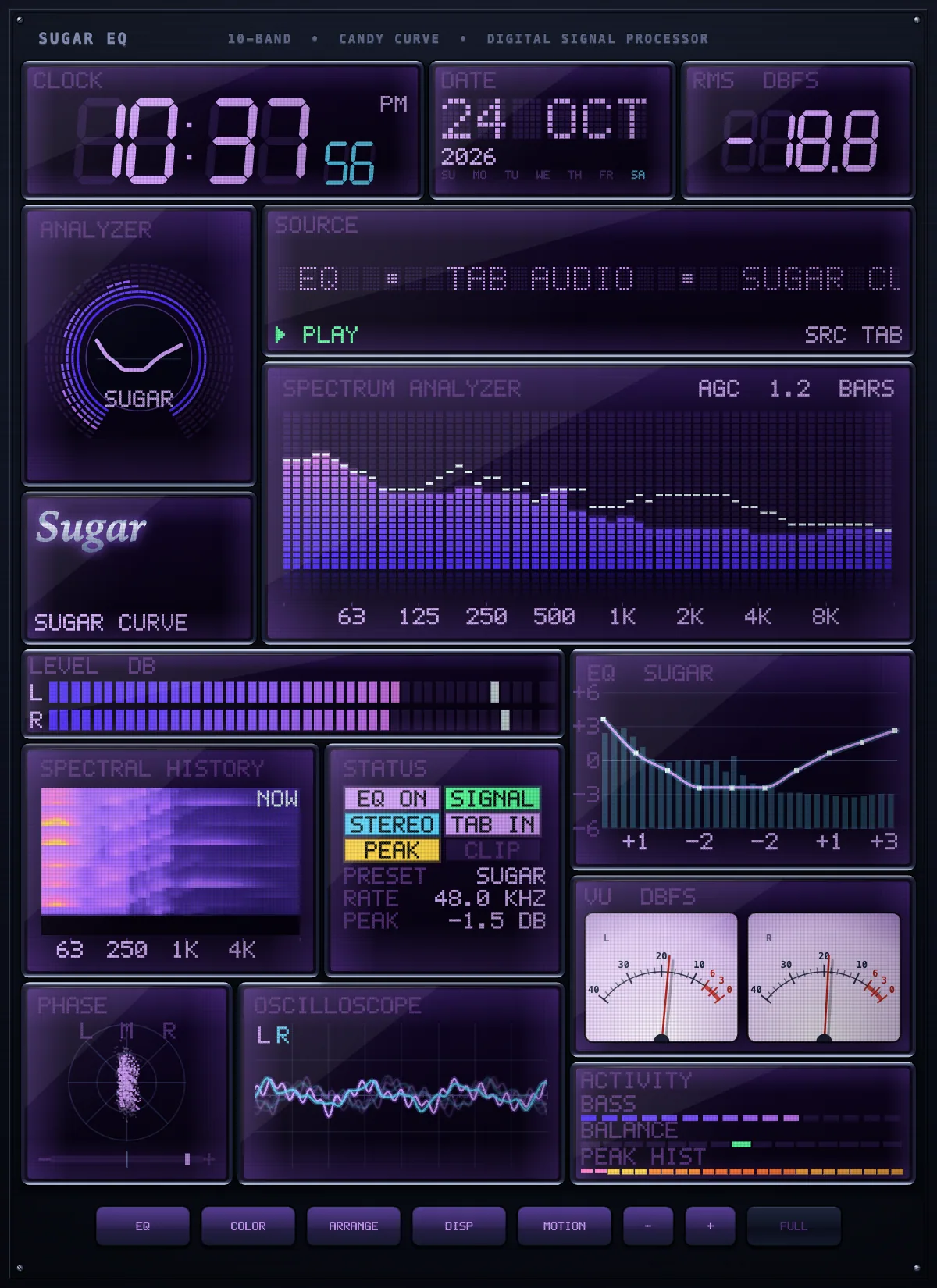
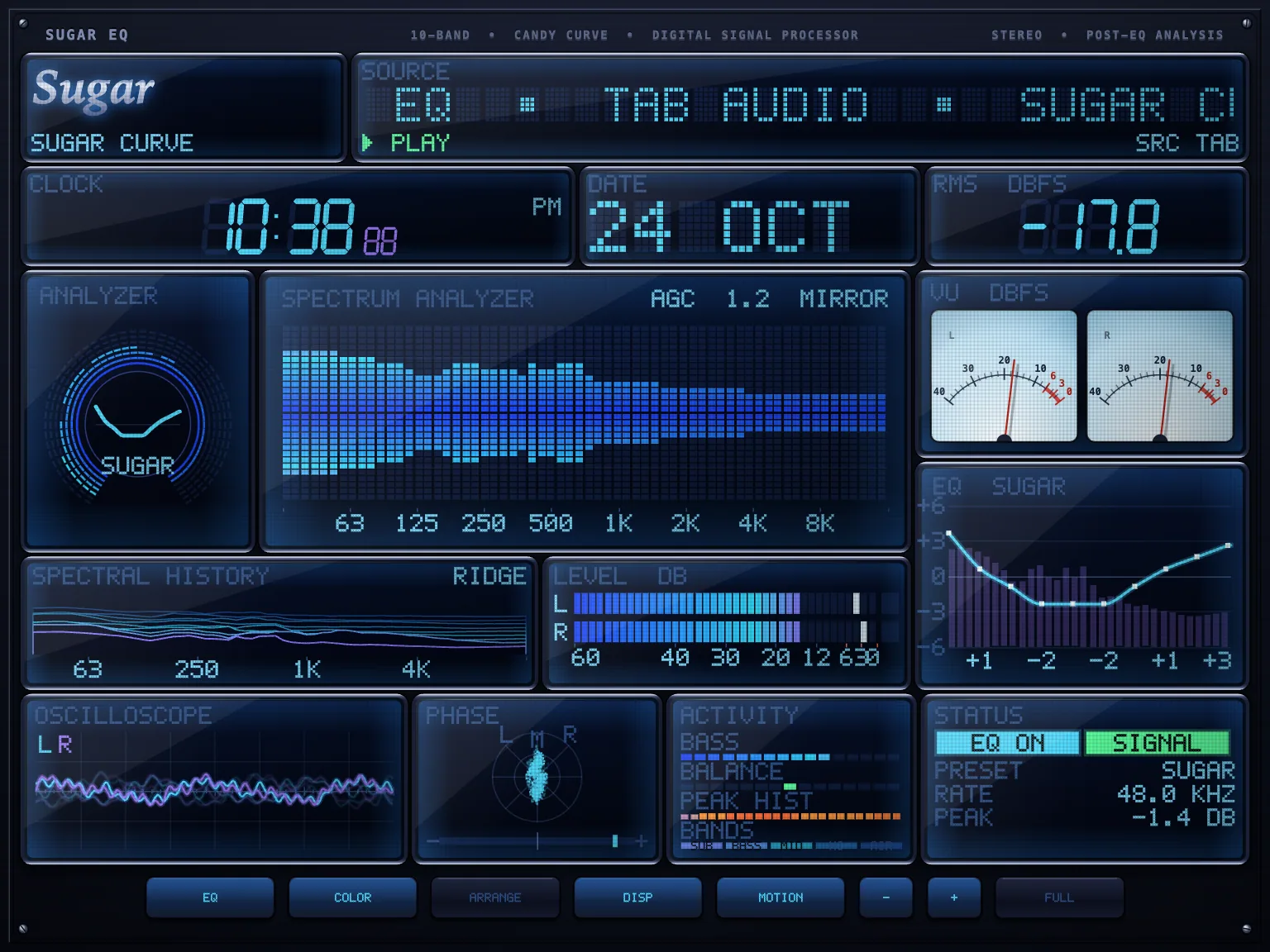
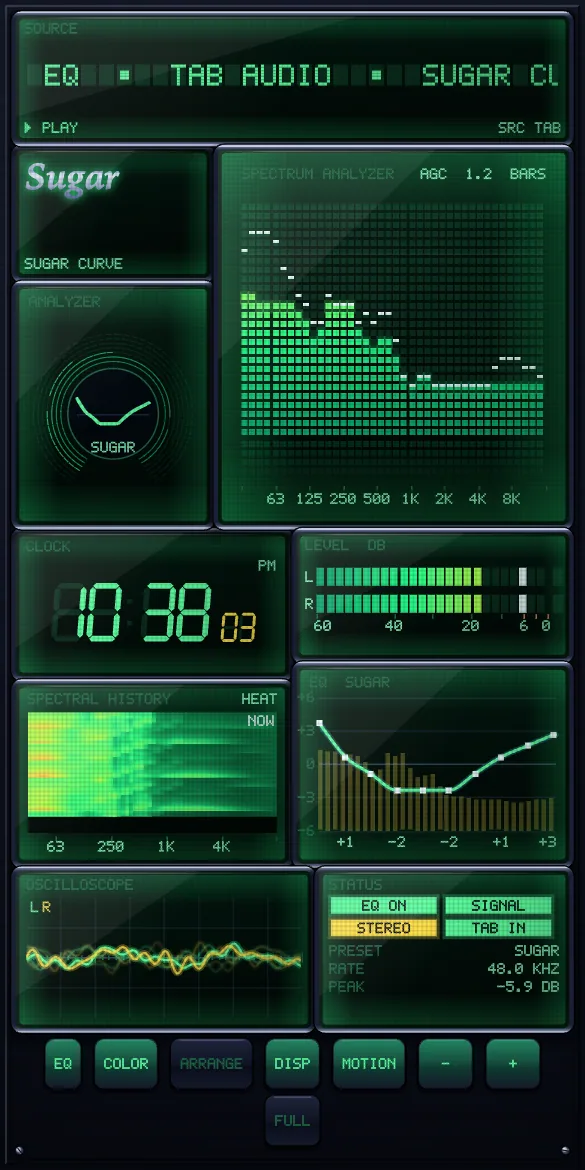
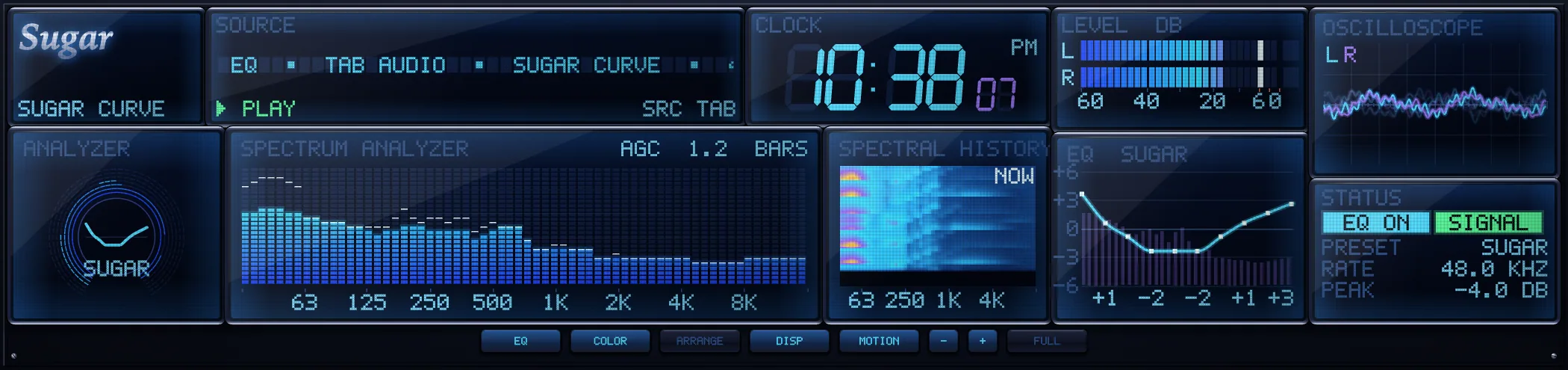
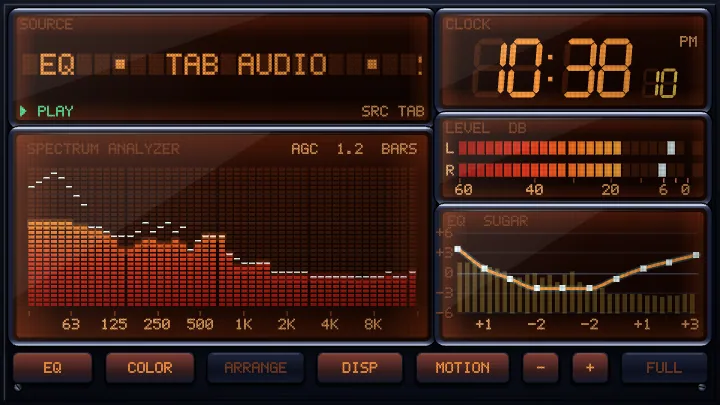
Five coats of candy.
Press C and the whole unit repaints: the lit segments, the backlight, the glass glow, the heat-map and the knob rings. Each level colour ramp runs cool at the bottom and hot at the top, so you can read the loudness at a glance.
Blue
The classic. Electric blue through cyan and violet to a red-hot peak. Late-night motorway.
Violet
Ultraviolet to hot pink. A little synthwave, a little nightclub toilet. In the best way.
Green
Phosphor green running to lime and amber. Radar room. Terminal glow.
Ember
Deep red to orange to white-hot. Quite possibly the one your dad's stereo wore.
Pink
Bubblegum magenta rising to blush-white. Pure candy, and the one that matches the name on the box.
Every key, every knob.
There's a strip of real backlit keys that appears when you move the mouse and tucks itself away when you stop. Or never touch it: it's all on the keyboard.
- FFullscreen. Go all the way. Double-click the glass works too.
- AArrangement. Auto, then three different hand-composed variants (A, B, C) of how the groups sit.
- DDisplay. Spectrum style: bars, curve or mirror.
- RRewind view. History style: heat-map or ridge lines.
- CColour. Blue, Violet, Green, Ember, Pink.
- −=Brightness. Dim it for a dark room or crank it for a bright one.
- MMotion. Reduced motion calms the glide, glow and sheen. It's on automatically if your system asks for it.
- PPreset. Toggle Sugar and Sugarfree, and watch the curve move.
- EscLeave. First press exits fullscreen, second closes. You're never trapped.
On the faceplate itself: the left knob and EQ key toggle the preset, the right knob sets brightness (drag it around like a real pot, or scroll over it), and clicking the spectrum, the history or the nameplate cycles them. The power-on test sweep plays once when the unit wakes up, a little showmanship that you can replay above.
It's flashy. It's not fake.
Sugar's whole personality is that its lights are honest, and the visualizer keeps the promise. Nothing is randomised to look busy. Quiet music looks quiet.
Real, measured, live
- The spectrum, history and circular analyzer: your post-EQ audio, analysed.
- Meters, VU needles, RMS and peak readouts: measured per channel.
- Oscilloscope and phase scope: your actual left and right samples.
- The EQ curve: the preset's real gains.
- The lamps: each lights only when its condition is true.
Decorative, and said so
- The power-on test sweep when the unit wakes.
- The slow glass sheen drifting across the wells.
- The clock, date and blinking: just the time.
- On this page: the music is a synthesized demo loop, because a website can't listen to your computer. In the app it's whatever you're playing.
Read-only, by design
The visualizer only reads the audio, from taps beside the signal path, so it can't change how anything sounds. There are no track titles: system now-playing data is private API that a sandboxed App Store app can't use. So the source display shows the output device, preset, sample rate and run time instead, which is the honest version.
Turn it up. Turn it on.
On the Mac, click the ⤢ stud on the dash or pick Open Visualizer from the right-click menu. In the Chrome extension, click the ⤢ stud on the popup and it opens straight into fullscreen.

Free, no ads, no account, and nothing leaves your device.