 Mark
Mark
A comfortable place to write Markdown — and to read it.
A clean split-pane editor with a live preview beside it, and the fiddly formatting details looked after for you. Math, diagrams, wiki-links, instant HTML export — all on your own device, never anyone else's.




For Mac, iPhone, and iPad. No account, no tracking, nothing ever leaves your device.
- - [x]Tables that sort
- - [x]Math that renders
- - [x]Diagrams that redraw
- - [x]Themes with taste
- - [ ]An account to create
- - [ ]Anything phoning home
Write it, read it, organize it, share it — without leaving the page
Mark looks after the formatting details so you can think about the words. Every fix appears exactly when there's something to fix, and stays out of the way otherwise.
Markdown-aware editing
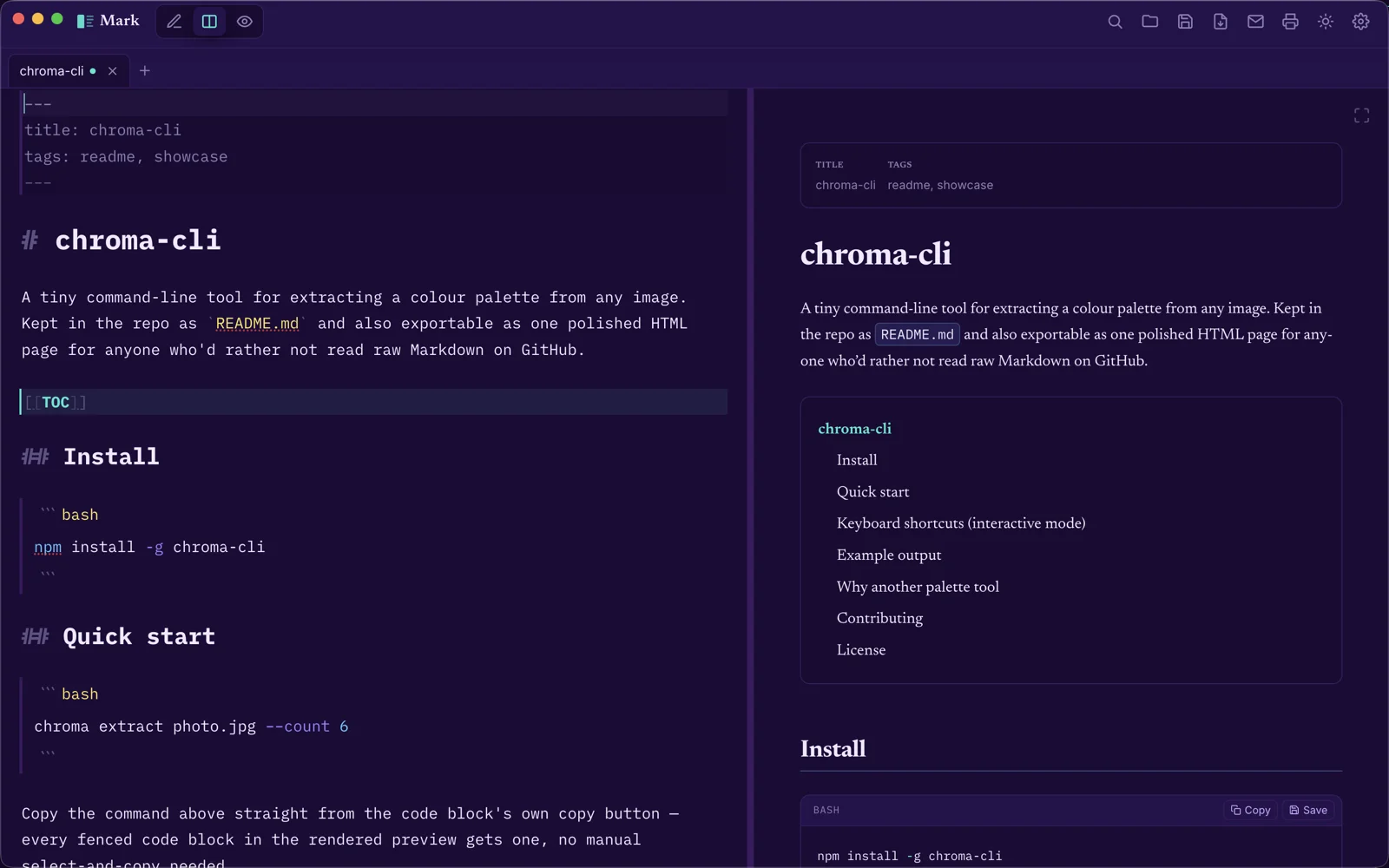
Headings, bold, and italic styled right in the source, with nested code-block syntax highlighting — and one-click fixes for tables, lists, checklists, and heading levels.
Live split preview
A draggable divider between editor and preview — editor-only, split, or preview-only in one tap, on desktop or mobile.
GitHub-flavored Markdown
Tables, task lists, strikethrough, footnotes, YAML frontmatter, definition lists, and callouts — rendered exactly like you'd expect.
Live math & diagrams
KaTeX math and Mermaid diagrams render as you type, in the exact colors of your current theme.
Wiki-links & transclusion
Link between your own documents with [[wiki-links]], splice
one document's text into another with ![[a link]], and drop in
a live table of contents, sitemap, link graph, or folder index — each one a
single line, always current.
Export, print, and share
A self-contained HTML file, a separate build for email clients, real print/PDF, or share a file straight into any other app — even headlessly from a terminal, no window shown.
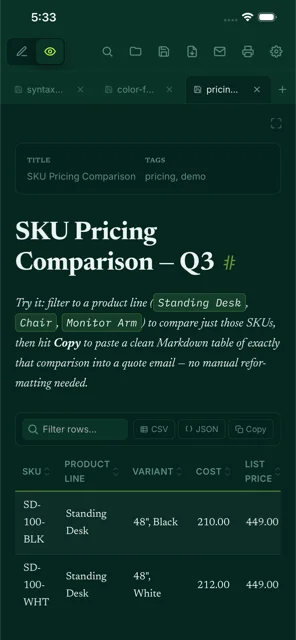
Tables that do more
Filter, sort, resize, and reorder columns without touching the source. Export the rows you're looking at as CSV or JSON, or paste straight from a spreadsheet and it lands as a ready-made table.
Smart writing helpers
Tidy the whole document in one click, select-next-occurrence multi-cursor editing, and automatic backups — plus a diff before anything you save would ever overwrite different content.
Run code without leaving the page
Fenced code blocks get copy and save buttons, plus a Run button for JavaScript, TypeScript, Python, Ruby, Go, C, C++, Java, SQL, HTML, and CSS — opens straight into LiveCodes, ready to go.
Command palette
Press ⌘ K and type to find any action, layout, or open tab — nothing to memorize, and it always matches what's actually on the toolbar.
Spotlight, Siri & Quick Look
Notes show up in system search, "Hey Siri, create a note in Mark" works out of the box, and Markdown files get a Space-bar preview in Finder.
Made for AI chats, too
One tap copies a ready-made skill that teaches any assistant to reply in exactly the Markdown Mark renders — tables, callouts, math, and diagrams included.
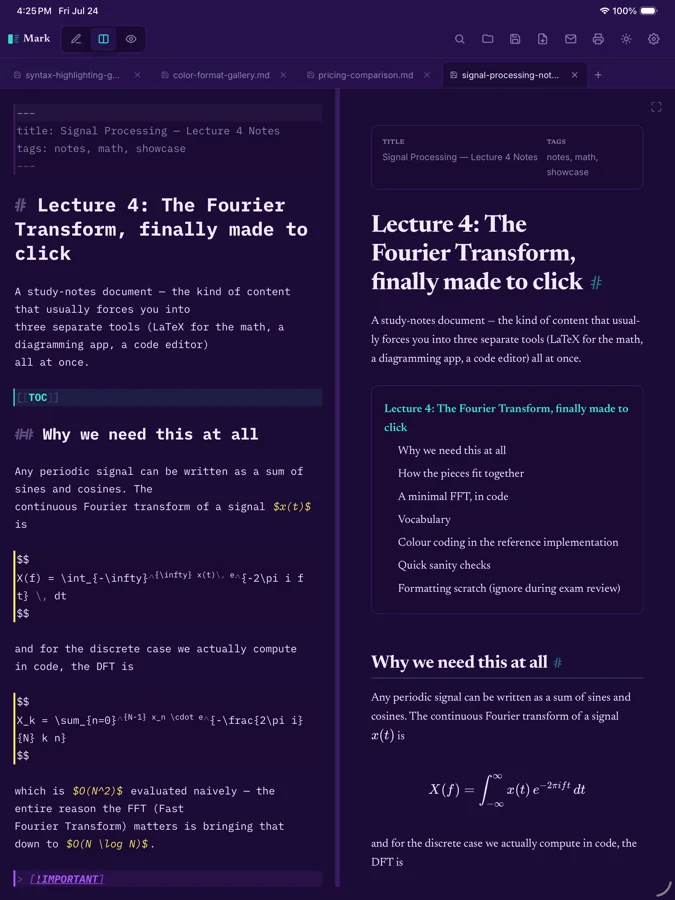
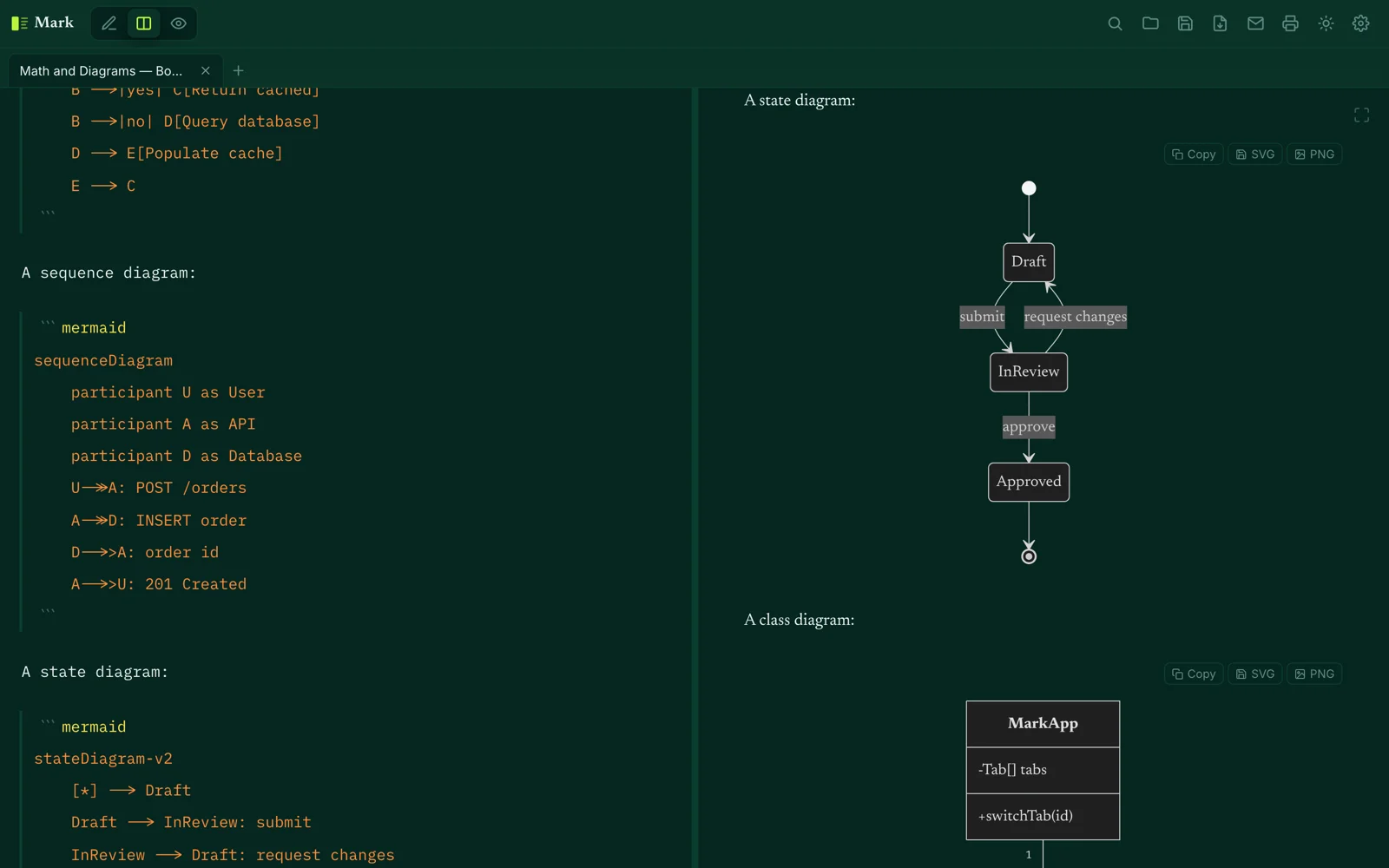
Diagrams and math, rendered live
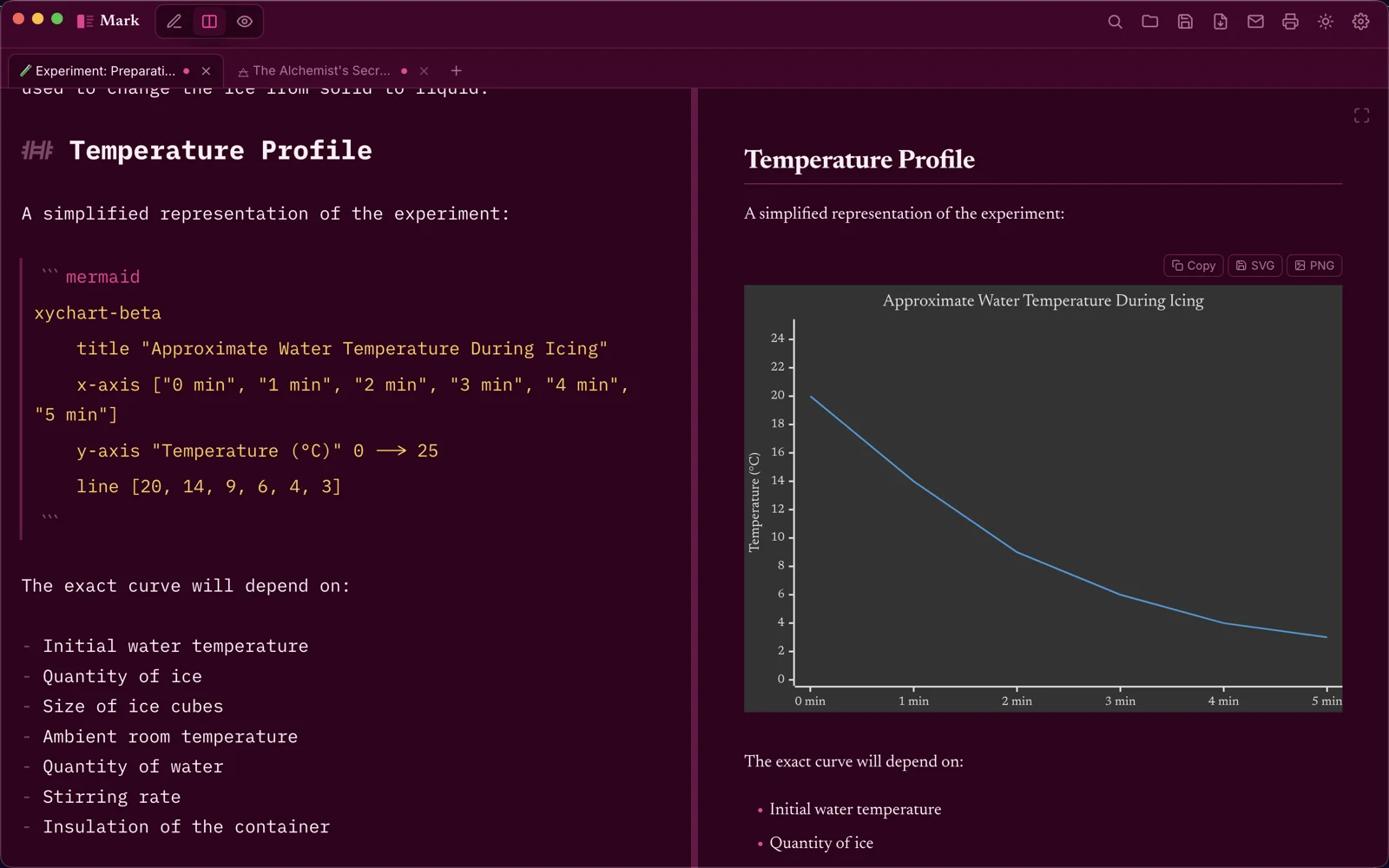
Drop a fenced mermaid block into your document and get a real,
themed diagram — flowcharts, sequence diagrams, state machines, and more —
with copy and save-as-SVG/PNG buttons built right in.
- Flowcharts, sequence diagrams, state machines, and more
- Redraws automatically when you switch themes
- Click a diagram to open it full-size in a zoomable, pannable lightbox
- Always prints in a plain, high-contrast light style — even on a dark theme
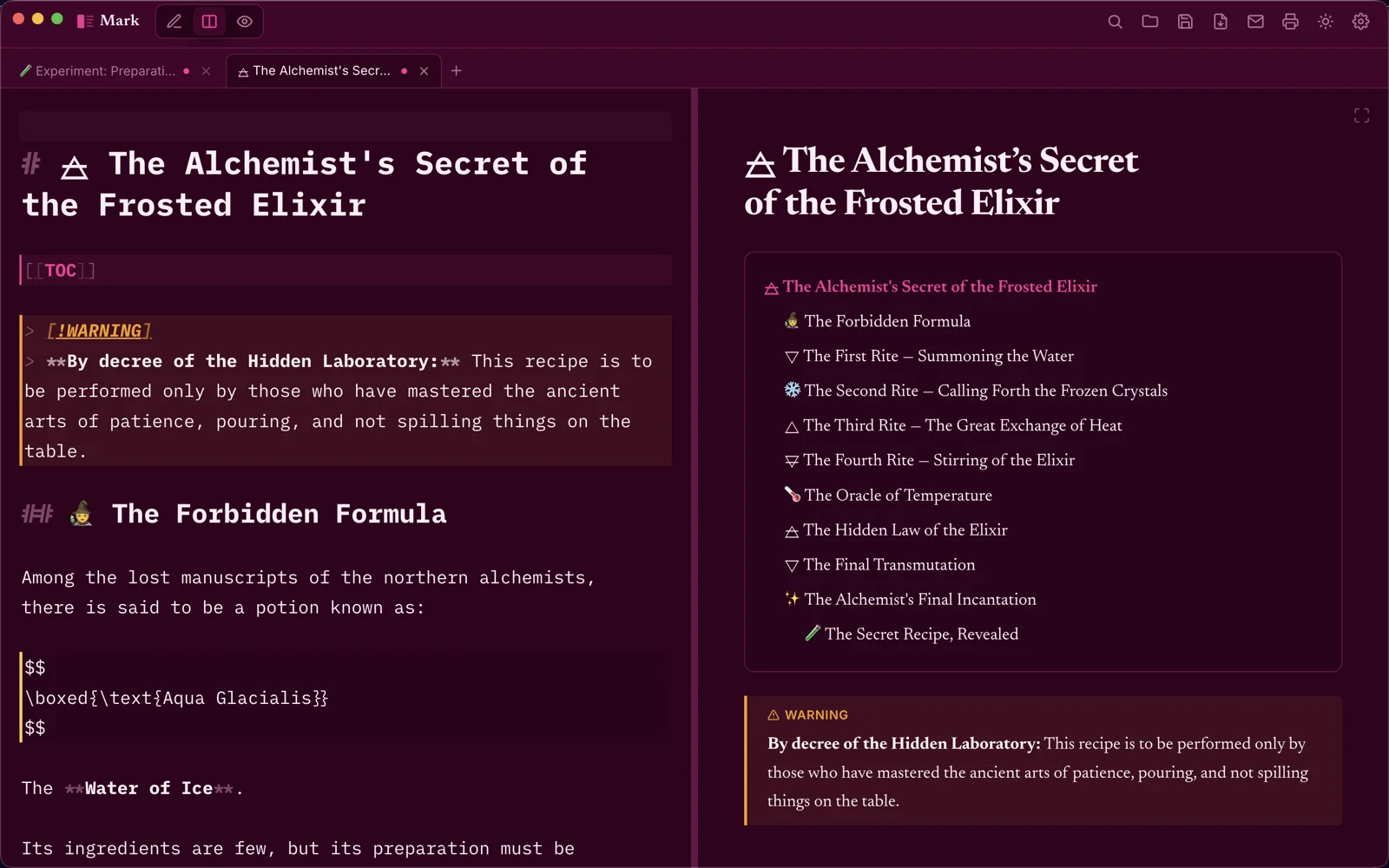
Math that actually looks like math
KaTeX renders every equation live, right alongside your prose — inline like $E = mc^2$, or as its own centered block for a longer expression. No separate preview step, no broken LaTeX delimiters to debug.
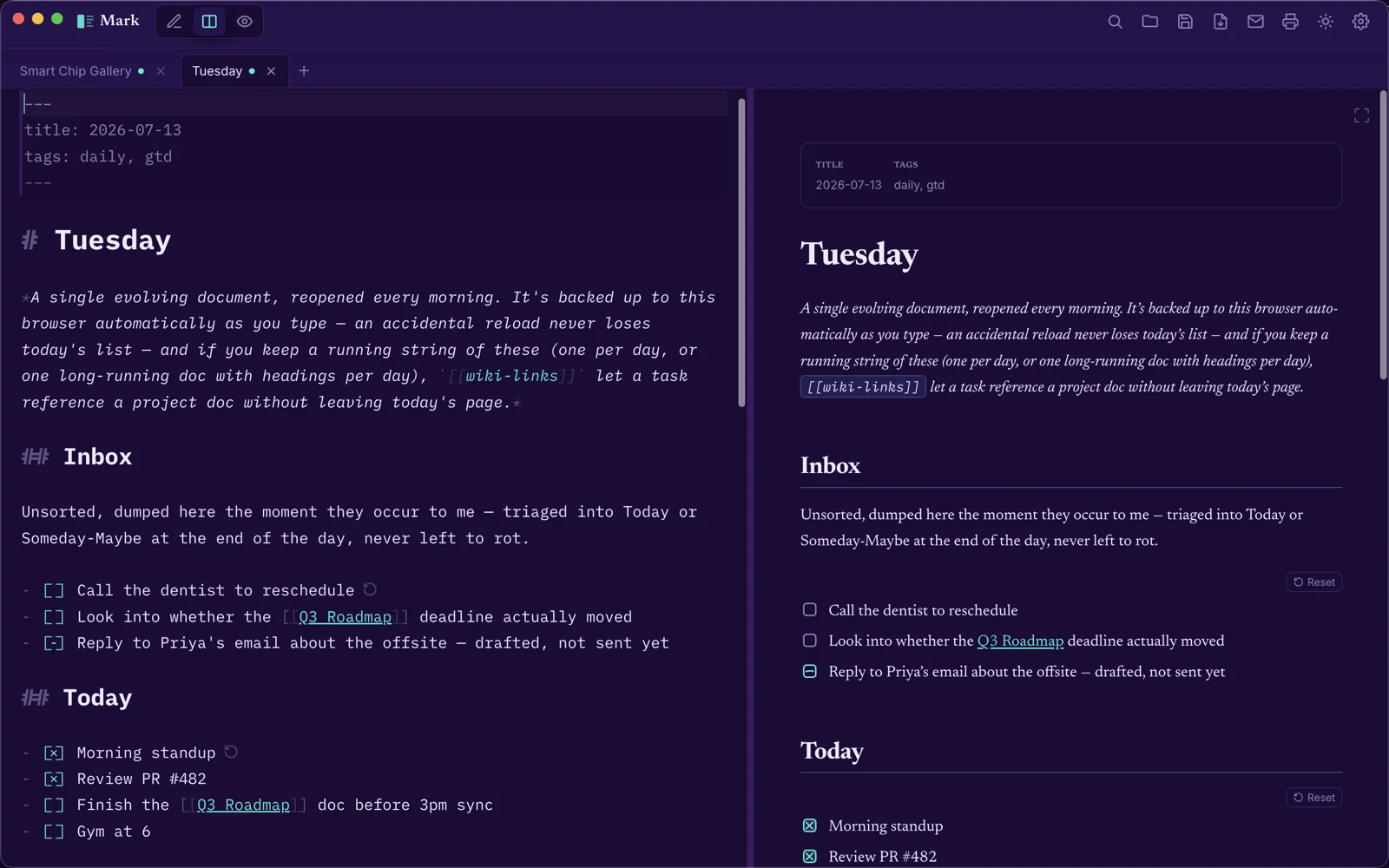
Checklists that reset themselves
Task lists track three states — to-do, in-progress, and done — not just checked and unchecked, and a single click resets a whole list once anything's been marked off. Press Enter at the end of a task line to continue the list with a fresh checkbox, no manual syntax needed. It all still works in a self-contained HTML export too, no app required.
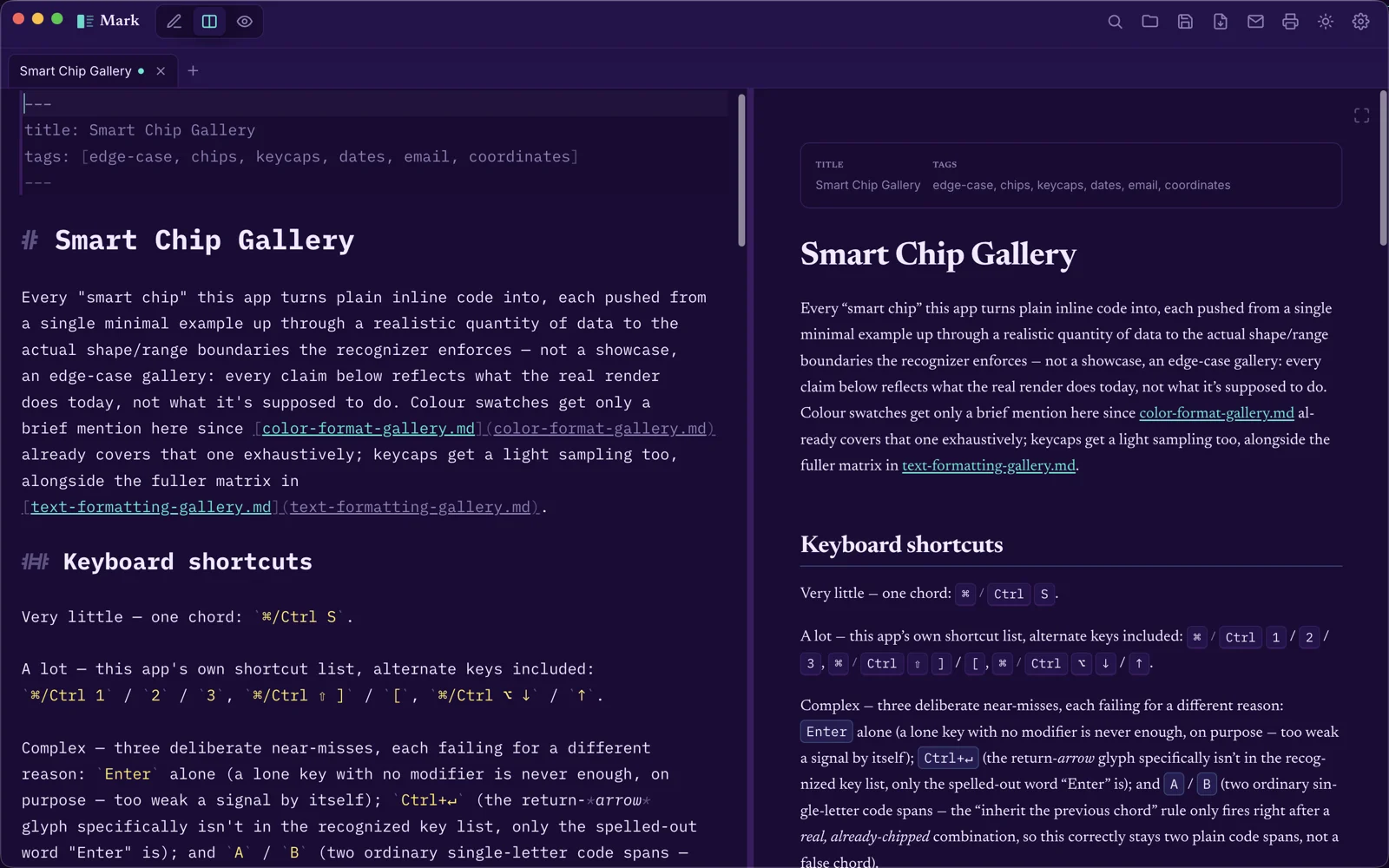
Smart chips for the little things
Write a hex or oklch() color and get a live swatch next to
it. A date offers to add itself to your calendar, an email address opens a
pre-addressed message, and a latitude/longitude pair opens that spot on a
map — all recognized automatically, straight out of plain text.
Go on, poke it. These are real Mark exports.
Each card below is an actual, unmodified file produced by Mark's own
--export command, running right here in an iframe: same
styling, same interactivity, same code the app itself ships.
Tables that filter, sort, and export
Type to filter. Click a header to sort. Click a status cell to cycle it. Export the visible rows as CSV or JSON — all real.
Checklists that reset themselves
Click an item to cycle to-do → in-progress → done. Reset appears once anything's marked off — the same button the real app adds.
Diagrams and callouts, made for paper
A callout, a live Mermaid diagram, and a color swatch. Print this frame (or save it as a PDF) to see the diagram switch to a plain, high-contrast light style automatically.
Each frame above is a real, unmodified file produced by
electron . --export — the exact same self-contained HTML the app
itself generates, not a recreation.
Or explore the whole thing at once
This is Mark's actual Help Doc — the document that opens the first time you launch the app — exported unmodified. Every feature above, plus dozens more: math, video, wiki-links, footnotes, definition lists, and more.
Hand-designed themes — and the app icon follows along
Four themes with their own designed light and dark halves, two generated from a single color, and a color picker for anything else. On iOS, even the Home Screen icon can match.
 Cyanotype
 Majesty
 Electric Lime
 Hot Pink
 Teal
Teal Mono
Mono Any color
Set in Codex Mono, built for this
The editor uses Codex Mono — a monospace typeface with dozens of ligatures for both code and Markdown itself. Arrows, comparisons, and checkbox syntax all collapse into single, clean glyphs, so the source is about as comfortable to read as the page it turns into.
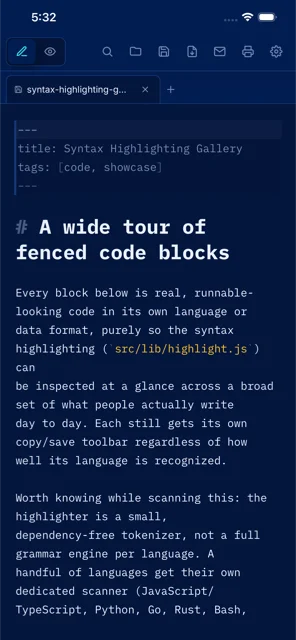
One comfortable editor, on every screen
The same fast, local-first editor on your Mac, iPhone, and iPad — with a Recent/Pinned Documents widget for the Home Screen and, on iOS, the Lock Screen too, so your latest work is always one tap away.
Your words stay yours
Mark has no server, no account, and no analytics — there's simply nowhere for your documents to go.
No account, ever
Nothing to sign up for, nothing to sign in to. Open the app and start writing.
No analytics or tracking
No telemetry, no ad networks, no crash reporter that phones home.
Your documents stay put
Stored locally on your device — never uploaded, because there's no server to upload them to.
Read the full Privacy Policy for exactly what that means.
Mark, in your terminal too
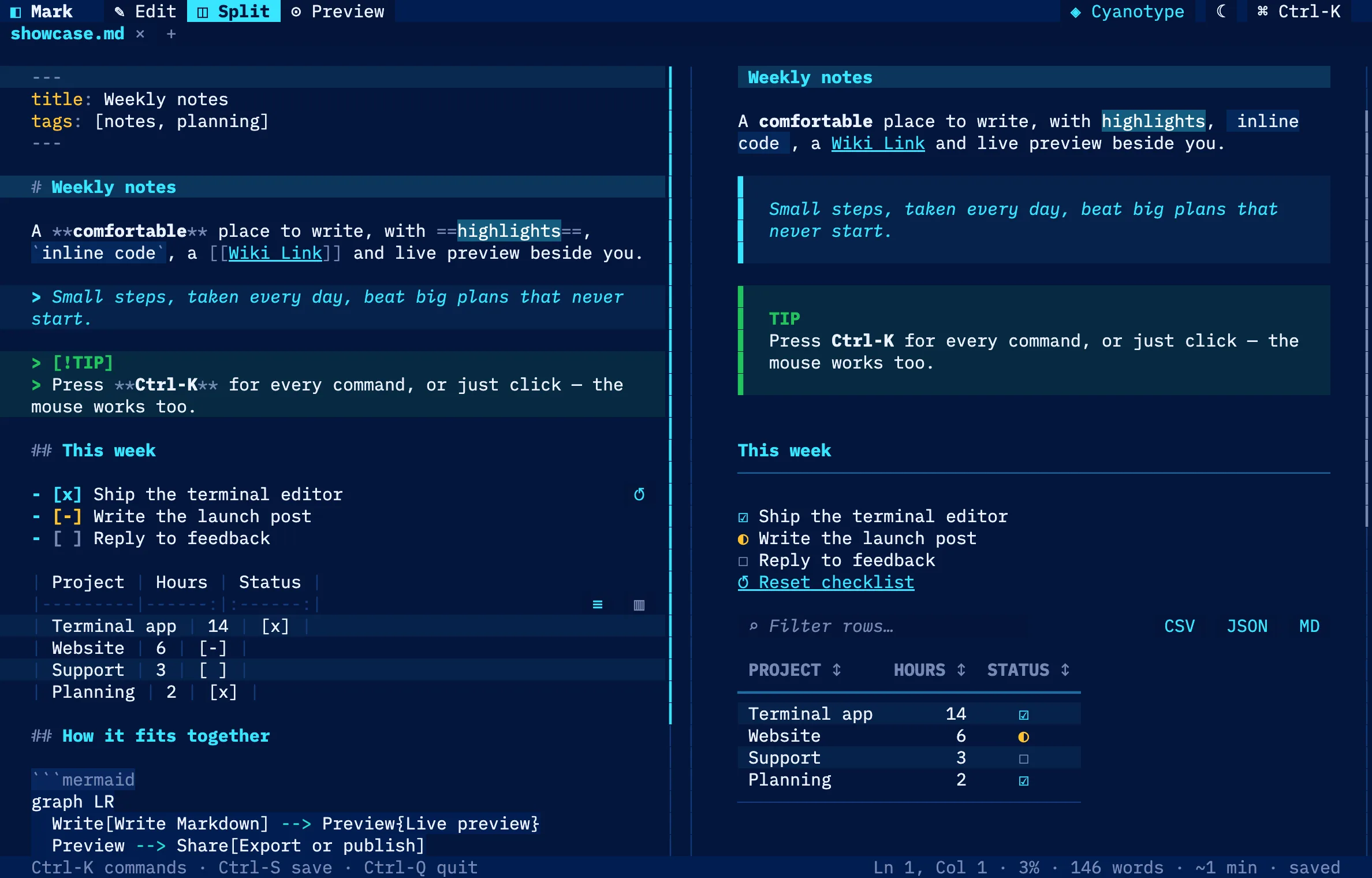
The same Markdown, the same themes and the same comfortable look — as a full-colour terminal editor with a live split preview, tables, diagrams, pictures and a command palette. Great over SSH, free on macOS and Linux.
Come and write something.
Available on the Mac App Store and the App Store. Bring a README, a half-finished essay, or nothing at all.