

Pick a sound and get on with it
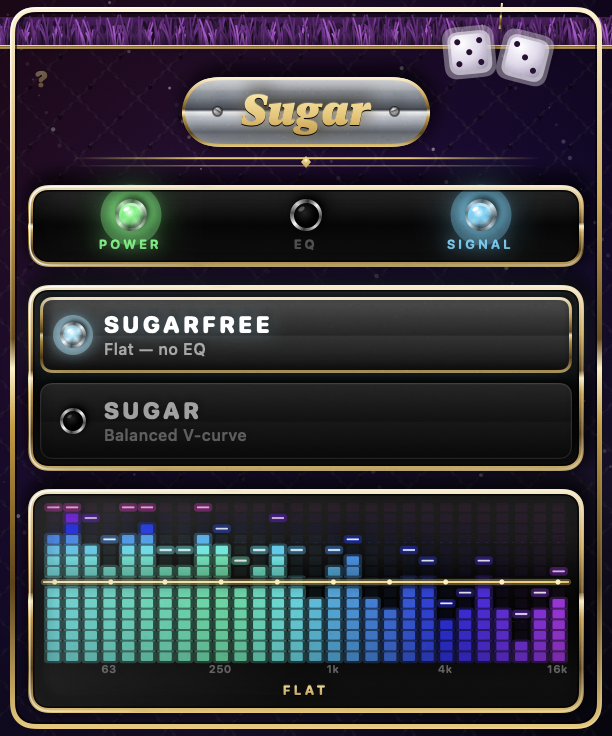
Sugarfree is a true bypass. Not "close to flat" — the audio comes out bit-for-bit identical to how it went in.
Sugar is a gentle smile curve: a little more bass and treble, a little less midrange. It's centred so its own average sits at zero, which means it changes the tone without simply making everything louder — so you can switch between the two and actually judge the difference.
Watch the curve do its work
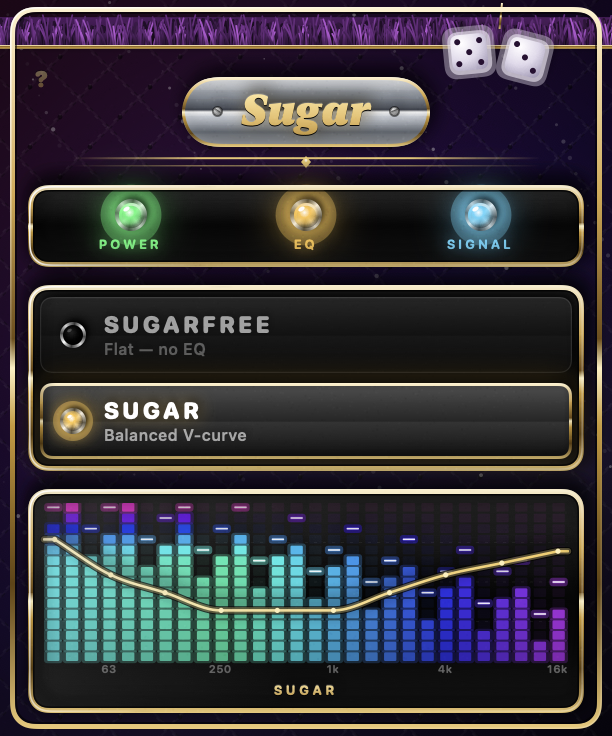
The bars show how much energy is playing in each frequency band, live. The gold line over them is the EQ curve actually being applied — drawn on those same bands, at the same positions.
That's the point of it. It isn't a decorative waveform: you can see the shape being applied to the music while you listen to it, and watch a flat line become a curve the moment you switch modes.
It doesn't take over your Mac
Older tools like this make you install a virtual audio driver and then select it as your output device, which means everything routes through them and your real speakers disappear from the Sound menu.
Sugar doesn't. It reads the audio your Mac is already playing, equalises it, and plays it back to whatever device you had selected. Change output the normal way and Sugar follows along. Quit it and everything is back to normal instantly — there's nothing left behind to undo.
No driver
Nothing to install alongside it. It uses macOS's own audio APIs.
Your output stays yours
Never appears in your Sound menu, never changes your selection.
Volume keys still work
Your real device stays selected, so the keys act on it as always.
You can tell what it's doing
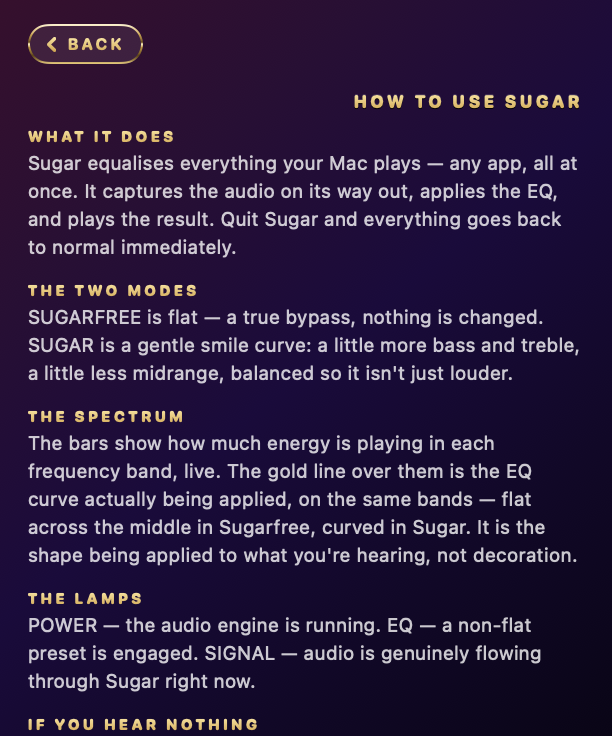
- POWER — the audio engine is running.
- EQ — a non-flat preset is engaged.
- SIGNAL — audio is genuinely flowing through Sugar right now.
SIGNAL is the useful one. It's driven by measured audio rather than by whether the app thinks it's working, so if it's lit, sound really is passing through.
Just one tab, not the whole Mac
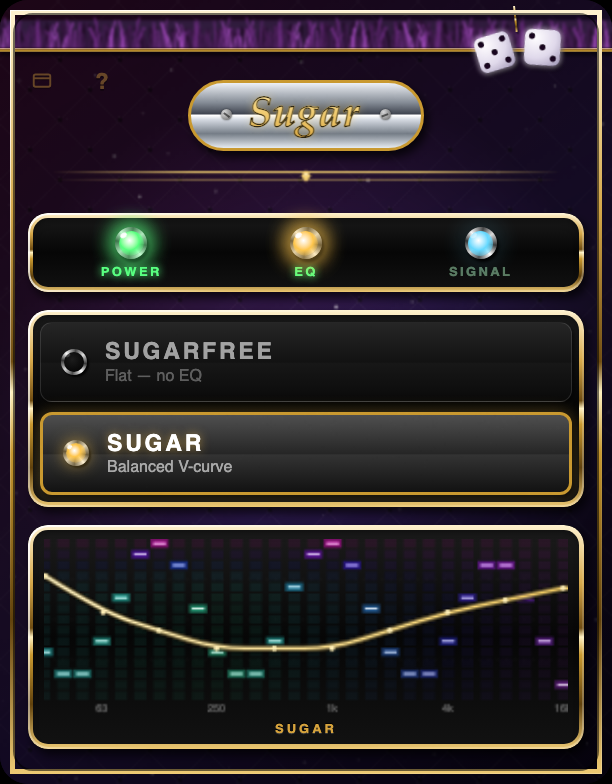
Sometimes the system-wide app is more than you need — you just want one noisy tab tamed, on whatever computer you're at. Sugar EQ for Tabs is the same 10-band candy curve, built as a Chrome extension instead: click the toolbar icon, hit POWER, and that tab's audio runs through the exact same Sugarfree/Sugar presets as the Mac app.
It works anywhere Chrome does — Windows, macOS, ChromeOS, Linux — not just on a Mac. One tab at a time, nothing installed beyond the extension itself, nothing sent anywhere.
It records nothing
The Mac app needs macOS permission to record system audio — that's simply how it reads what's playing in order to equalise it. The Chrome extension needs no such permission; capturing a tab's audio happens entirely inside the browser. Either way, audio is processed in memory, in real time, and is never written to disk or sent anywhere.
There is no analytics, no telemetry, no crash reporting, no advertising, and no network access of any kind, in either one. The only thing saved is which mode you last chose. See the Mac app's privacy policy or the Chrome extension's.